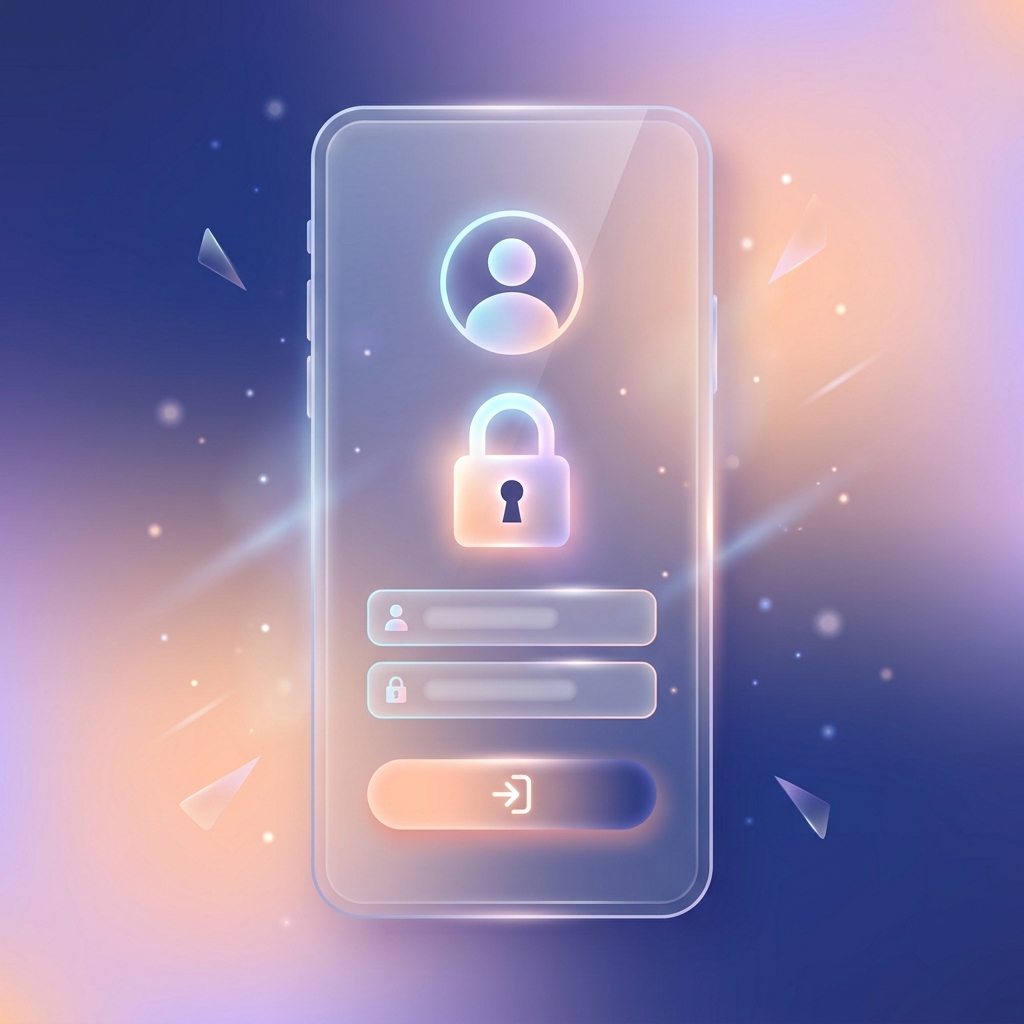
Secure Login
To access your dashboard, navigate to the Campaigner Login page. Enter your assigned HN Number and Password, then click 'Sign In'. You can check the "Remember me" box to stay logged in on your device.
ലോഗിൻ ചെയ്യുക
നിങ്ങളുടെ ഡാഷ്ബോർഡിൽ പ്രവേശിക്കുന്നതിനായി, റിസീവർ ലോഗിൻ പേജിൽ പോവുക. നിങ്ങൾക്ക് നൽകിയിട്ടുള്ള HN നമ്പറും പാസ്വേഡും നൽകിയ ശേഷം 'Sign In' എന്നതിൽ ക്ലിക്ക് ചെയ്യുക. ലോഗിൻ നിലനിർത്താൻ "Remember me" ടിക്ക് ചെയ്യാവുന്നതാണ്.
Add Donation Details
From your dashboard, click on the Add New Donation button. Fill in the donor's Name, Place, and Donation Amount. You can specify whether it's a "One-time" contribution or a "Monthly" plan using the provided tabs.
സംഭാവന ചേർക്കുക
നിങ്ങളുടെ ഡാഷ്ബോർഡിലെ Add New Donation ബട്ടണിൽ ക്ലിക്ക് ചെയ്യുക. ദാതാവിന്റെ പേര്, സ്ഥലം, തുക എന്നിവ പൂരിപ്പിക്കുക. ഇത് "One-time" (ഒറ്റത്തവണ) ആണോ അതോ "Monthly" (പ്രതിമാസ) പ്ലാൻ ആണോ എന്നും നിങ്ങൾക്ക് തിരഞ്ഞെടുക്കാം.

Generate & Share
Click Generate Receipt. A beautiful digital receipt will be created instantly.
You can immediately share this receipt with the donor by clicking the Share on WhatsApp button, or you can download it directly as a high-quality PDF.
രസീത് ഉണ്ടാക്കുക & ഷെയർ ചെയ്യുക
Generate Receipt ബട്ടണിൽ ക്ലിക്ക് ചെയ്യുക. ഉടനടി മനോഹരമായ ഒരു ഡിജിറ്റൽ രസീത് തയ്യാറാക്കப்படும்.
ഈ രസീത് Share on WhatsApp ബട്ടണിൽ ക്ലിക്ക് ചെയ്ത് ദാതാവിന് ഉടൻ തന്നെ അയക്കാവുന്നതാണ്. കൂടാതെ ഇത് PDF ആയി നിങ്ങളുടെ ഫോണിലേക്ക് ഡൗൺലോഡ് ചെയ്യാനും സാധിക്കും.
My Collections History
Navigate to the My Collections tab to view a complete history of all your donations.
You can click 'View' on any past record to open the receipt again, download it as a PDF, or share it on WhatsApp at any time as per your needs.
എന്റെ കളക്ഷനുകൾ (My Collections)
My Collections ടാബിൽ പോയാൽ നിങ്ങൾ ഇതുവരെ ചെയ്ത എല്ലാ സംഭാവനകളുടെയും വിവരങ്ങൾ കാണാൻ കഴിയും.
ഇതിൽ ലിസ്റ്റ് ചെയ്തിട്ടുള്ള പഴയ രസീതുകൾ View ബട്ടൺ വഴി വീണ്ടും തുറന്ന് കാണാനും, PDF ആയി ഡൗൺലോഡ് ചെയ്യാനും, ആവശ്യമുള്ളപ്പോൾ വാട്ട്സ്ആപ്പ് വഴി ആർക്കും ഷെയർ ചെയ്യാനും ഇതിലൂടെ സാധിക്കും.